

Warehouse & Logistics
Improve inbound, outbound and inventory workflows with forklift scales, platform scales and pallet weighing at the point of movement.
View detailsConnect scale indicators with PLC, ERP, WMS and reporting workflows.
Weighing data integration over Modbus RS-485, PLC, API or file transfer — connect scale indicators to ERP, WMS, TMS and reporting systems.
Improve inbound, outbound and inventory workflows with forklift scales, platform scales and pallet weighing at the point of movement.
View details
Check wheel, axle and gross vehicle weight before dispatch with portable axle scales and weigh pads that keep fleets inside legal load limits.
View details
Coordinate cargo, vehicle and bulk-material weighing across terminal operations with truck scales, axle pads and conveyor belt scales.
View detailsStable weight, status, units and available interfaces confirmed by exact model.
Vehicle, pallet, batch, material, job and operator fields assigned to their owner.
Live values, setpoints, interlocks, update rates and invalid states documented.
Accepted transactions, acknowledgements, corrections and audit states mapped.
Addressing, access, time, retention and remote-support boundaries agreed.
Sample records plus valid, invalid, duplicate and recovery tests retained.
Start with the decision and one accepted example record.
Identify which device or business system creates each value.
Confirm registers, messages, files or APIs supported by the exact model.
Define invalid data, acknowledgements, retries, offline queues and duplicates.
Reconcile sample records through PLC, ERP, WMS or reporting output.
Immediate feedback for the operator.
Custom records for management and audit.
Project-specific remote data options.
Documented configuration and verification.
Weighing data reaches the host system through one of three routes. The choice follows the decision the data must support, not the interface that happens to be on the indicator.
| Path | Latency | Engineering effort | Best fit |
|---|---|---|---|
| PLC protocol | Milliseconds to seconds, continuous | Register mapping, interlock logic and controls testing | Live process values, setpoints and interlocks on the line |
| Direct API | Seconds, event driven | Record schema, authentication, acknowledgement and retry logic | Accepted transactions such as completed weighments or shipments |
| File transfer | Minutes to hours, scheduled | Field mapping, file naming and transfer monitoring | Legacy systems, batch reporting and low-volume sites |
Most projects combine paths: the PLC receives live values for control while accepted records travel by API or file. Interfaces available across indicator models include Modbus RTU and Modbus TCP, Profinet, EtherNet/IP, RS-232 and RS-485 serial lines, and 4-20 mA analog outputs.
Modbus RS-485 wiring and register guideDefine the record before choosing the interface. A practical accepted weighment carries the fields below; exact names and formats follow the receiving system.
| Field | Example | Purpose |
|---|---|---|
record_id | WB-2026-0915-0042 | Unique identifier for deduplication and audit |
timestamp | 2026-09-15T08:31:22+08:00 | Event time under one agreed time-zone rule |
scale_id | WB-01 | Which instrument produced the values |
gross, tare, net | 48,320 / 14,050 / 34,270 kg | The measured values in one agreed unit |
vehicle or load id | Truck B 4021 | Business identifier assigned by its owning system |
material or order | Limestone 0-20 mm, SO-88214 | What was weighed and for which job |
status | accepted | Valid, invalid, duplicate or corrected state |
Send this record, the indicator model and the host system when requesting an interface review. The reply identifies which fields each candidate model can produce natively and which must be created in the gateway or PLC layer.

Map required fields, exports, access and retention before integration work begins.
Explore data integrationStart with the weight record the customer needs, such as vehicle, pallet, material, batch or job data, and the business system that will receive it.
Send a sample record, required fields, indicator model, host system and preferred interface. We can review compatible indicator, gateway and integration options, including how offline and duplicate records should be handled.
Compare weighing indicators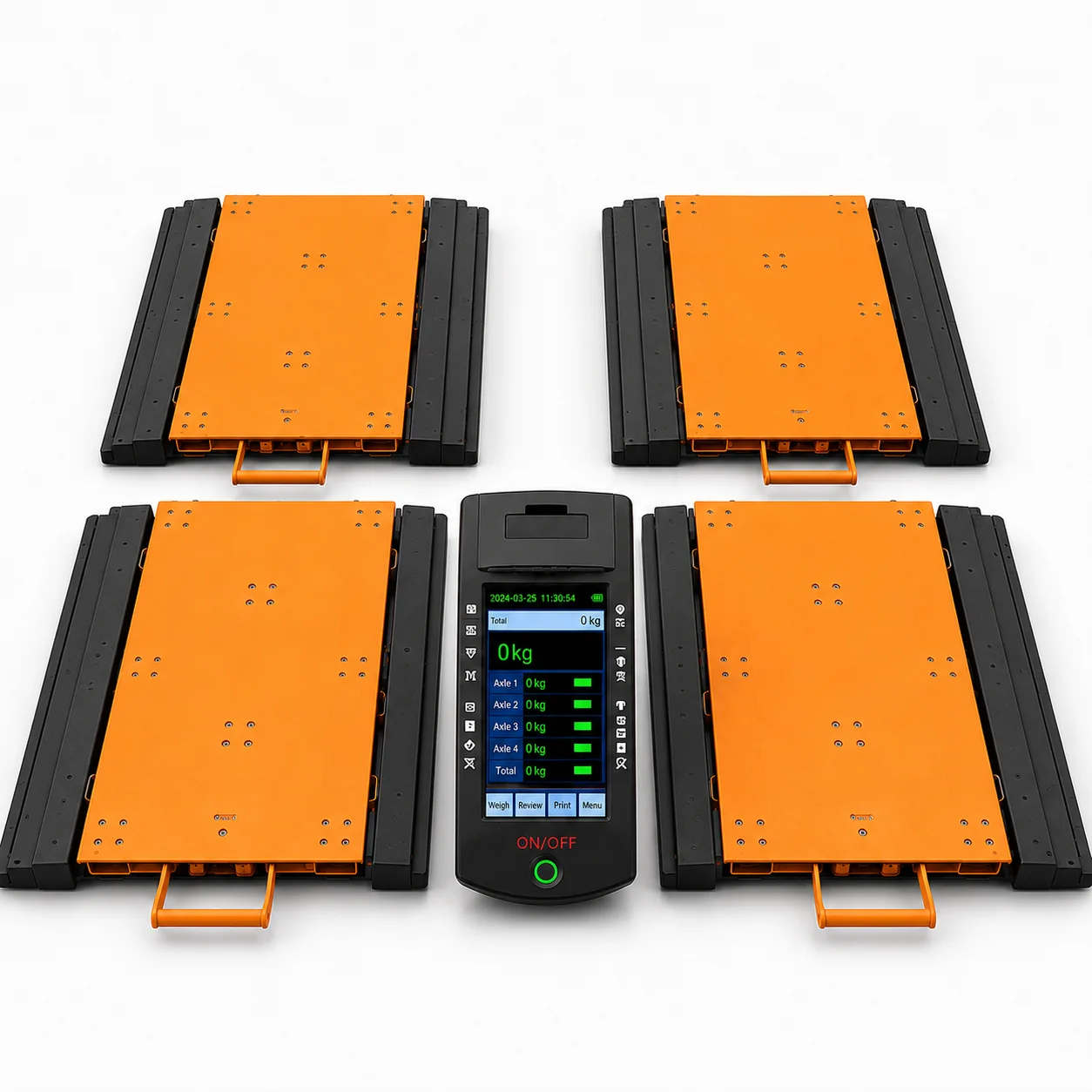
A fleet workflow for moving portable axle pads between sites while keeping procedures and records consistent.
Read application noteStart with the business decision and identify weight, unit, time, device, product or material, vehicle or job, operator and exception fields.
Availability depends on the exact indicator or transmitter; confirm serial, industrial Ethernet, API, file or wireless options by model.
Test valid, invalid, duplicate, offline and recovery cases with agreed sample data and system owners.
Start with the product and one key requirement. We will use the details to review the appropriate configuration.
Send your core application details. We will review the request and follow up by email or Tel / WhatsApp.
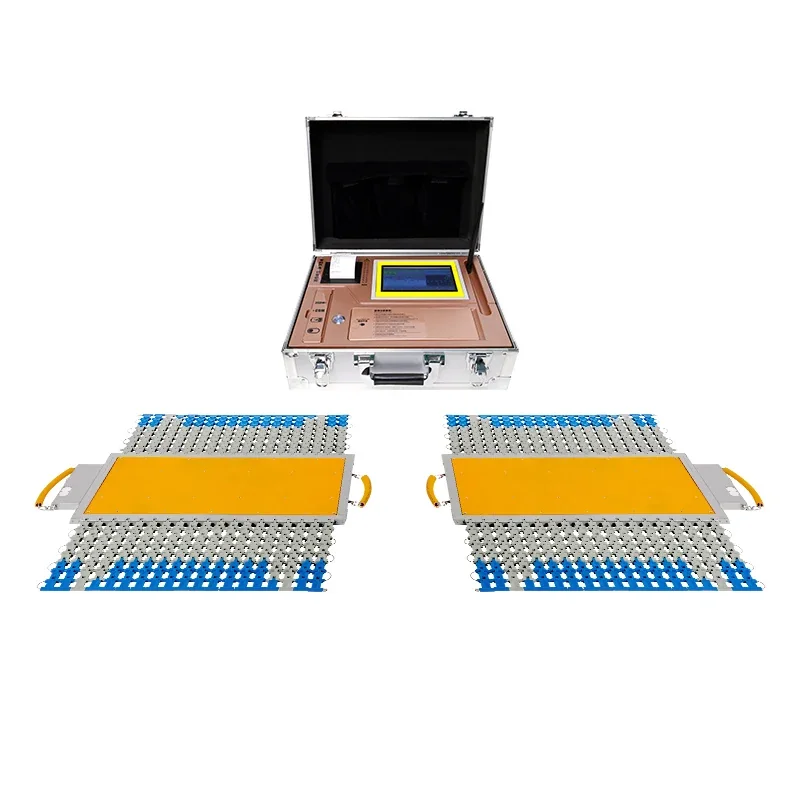 Portable Axle Scales
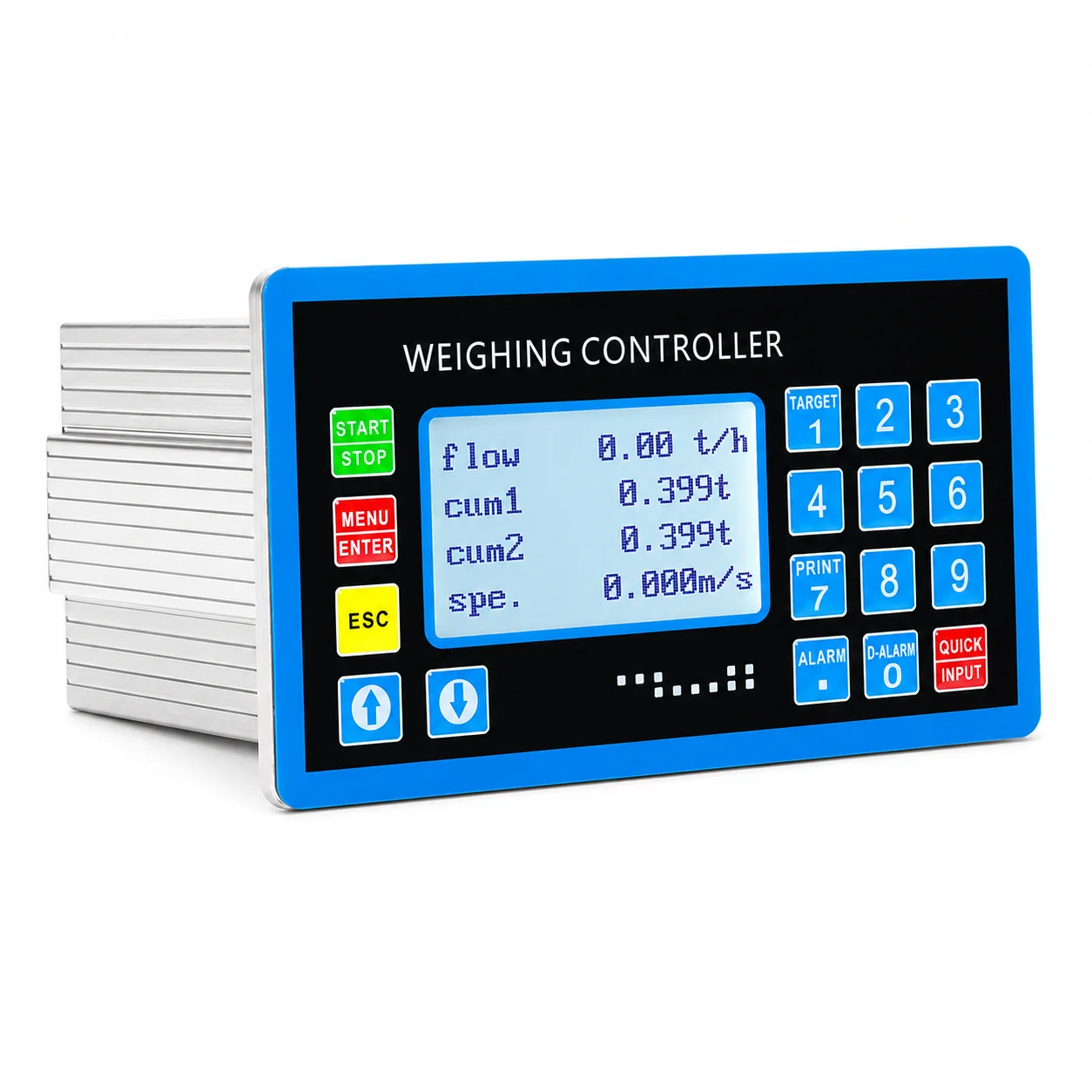 Belt Scales
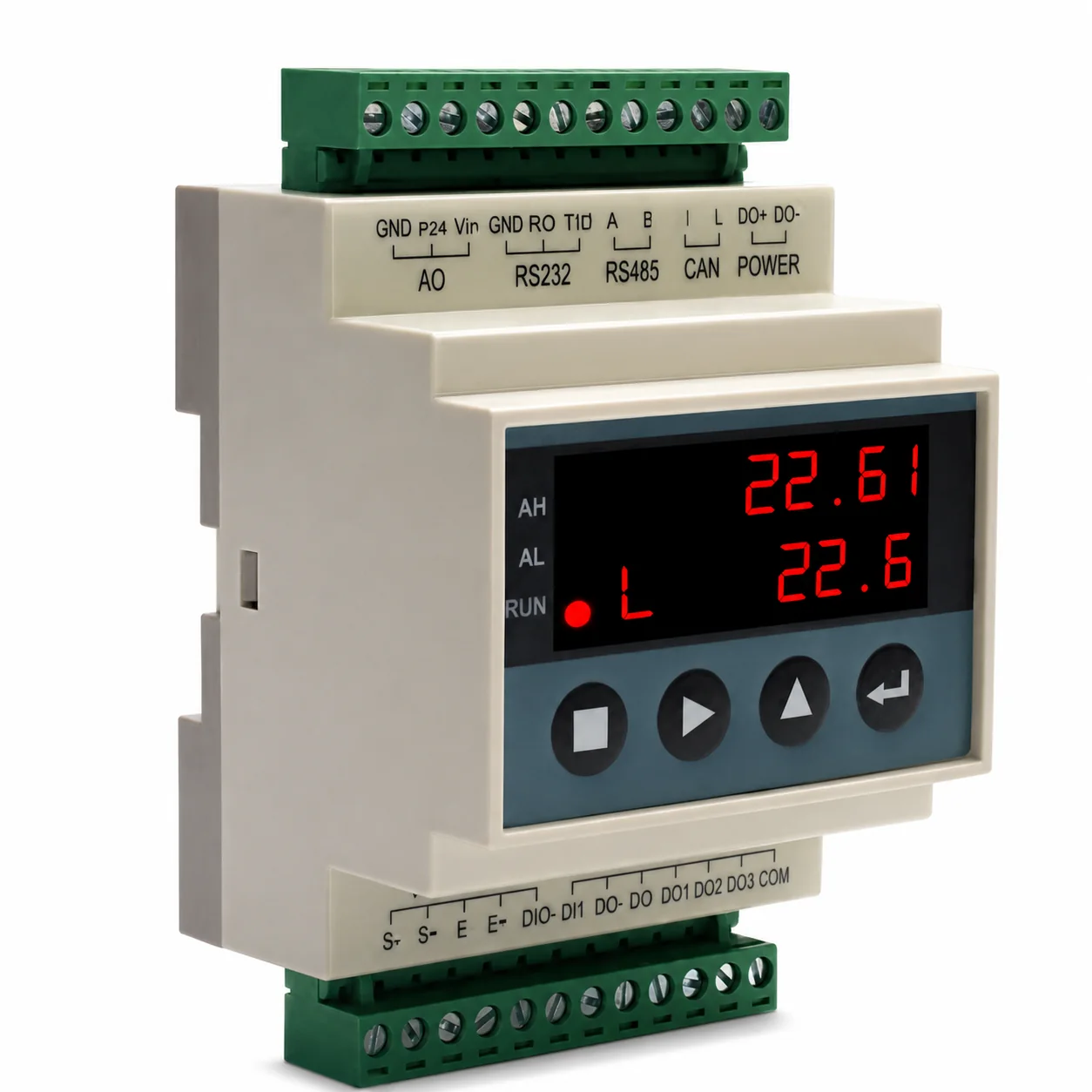 Weighing Indicators