A weighing data integration solution should start with a sample weight record and the business action it triggers. Assign stable IDs, timestamps, units and status fields; decide which system owns each field; then map the required data to Modbus, OPC UA or another interface supported by the exact indicator. Protocol selection comes after the record and failure rules.
1. Design the record before the connection
Create a plain-language example of one accepted weighing event. Include enough context to distinguish a measurement from a completed business transaction.
- Device and site ID
- Vehicle, pallet, batch or material ID
- Gross, tare and net values with units
- Stable, accepted, rejected or manual status
- Timestamp and time-zone rule
- Operator, recipe or order reference where needed
2. Separate live process values from completed records
A PLC may need a rapidly refreshed weight value while an ERP or WMS needs one accepted transaction with an ID and audit state. Treat these as different integration behaviours even when they originate from the same indicator.
| Integration need | Typical behaviour to define | Acceptance evidence |
|---|---|---|
| Live PLC value | Update rate, units, scaling and invalid state | Signal and fault-state test |
| Control setpoint | Source, limits, interlocks and manual override | Controlled functional test |
| WMS pallet record | Pallet ID, stable-weight trigger and acknowledgement | Accepted, rejected and duplicate examples |
| ERP transaction | Gross/tare/net ownership, posting state and correction route | End-to-end reconciliation |
| Local print or label | Approved layout, identifiers and reprint authority | Approved sample output |
3. Assign ownership for every field
The indicator may own the stable weight while the WMS owns the pallet ID and the ERP owns the order. Write down who creates, changes and validates each value. This prevents two systems from silently overwriting one another.
4. Choose the interface from the behaviour
Register-based polling, event messages and information models solve different problems. Select the method after defining update rate, acknowledgements, network security and device capability.
| Need | Questions to settle |
|---|---|
| Live display value | Polling rate, units, scaling and invalid-state flag |
| Completed record | Trigger, unique ID, acknowledgement and retry |
| Offline operation | Queue size, timestamp, replay order and duplicate handling |
| Remote configuration | Authorisation, audit log, limits and recovery |
| Multiple vendors | Versioned field mapping and conformance test |
5. Design for disconnection and duplicates
Assume the network will fail. Decide whether weighing continues, where records queue, how a retry is identified and which side de-duplicates it. Never use “last value seen” as proof that a transaction was stored.
6. Test semantics, not just connectivity
The acceptance test should cover stable and unstable weight, negative or overload states, unit conversion, restart, clock drift, duplicate messages, network loss and recovery. Save the final register map or information model with the software version.
Decision guidance
Use a simple point-to-point interface when a small, fixed set of values is sufficient. Use a structured integration layer when multiple devices, record states, acknowledgements, audit history or offline queues must be managed.
“Supports Modbus” or “supports OPC UA” does not prove plug-and-play compatibility. Register maps, data types, security settings and application semantics must still be agreed and tested.
Design the record before selecting the interface
A weighing system integration succeeds when the weight record, status, identity, timestamp, unit, tare method, exception state and ownership are defined before teams choose serial, fieldbus, network or file-transfer technology.
- Define the business event and the system of record
- Separate stable weight, status, unit, identifier and error fields
- Specify duplicate, retry, offline and clock behaviour
- Test traceability from the physical load through the receiving application
Buyer-task questions
What is the minimum useful weight record?
It normally includes a value, unit, stability or validity state, timestamp, device or station identity and the business identifier needed to use the result.
How should communication loss be handled?
Define whether the process stops, buffers a record, permits manual continuation or rejects the transaction, then test recovery and duplicate prevention.
References
The following official and first-party sources support the bounded examples, standards context and evaluation methods used in this guide. They do not verify an FMSCales configuration.
 Weighing Indicators
 Belt Scales
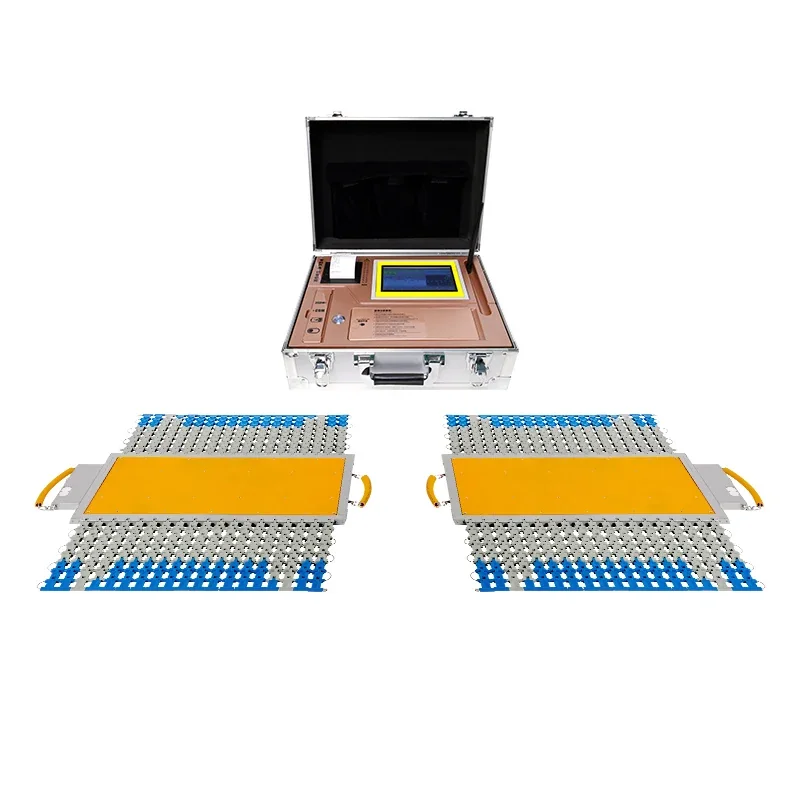 Portable Axle Scales
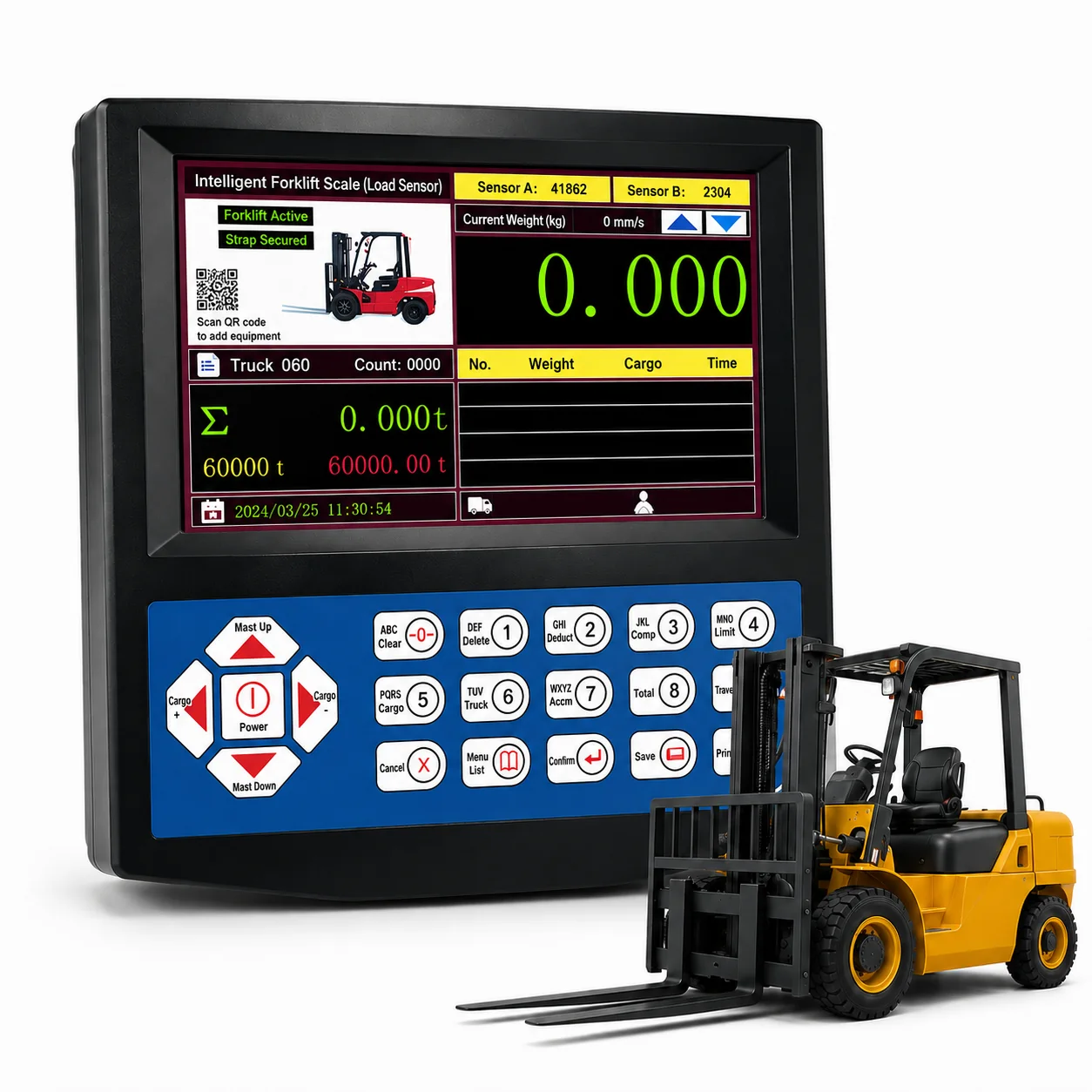 Forklift Scales
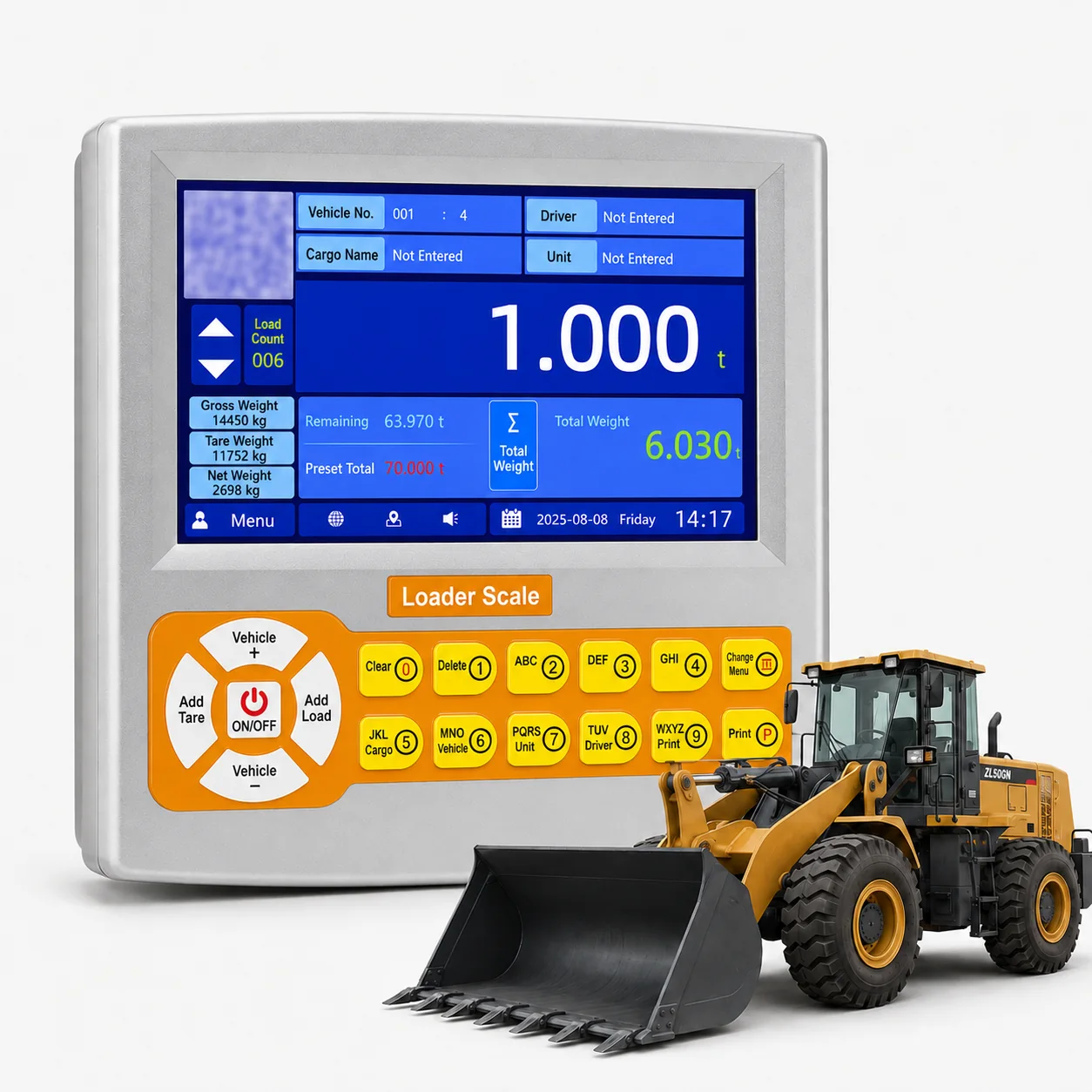 Loader Scales